Getting the best look from FaceReady
FaceReady can soften the signs of age and even out a tired face in seconds. The trick to looking great rather than processed is knowing where to stop. Here's how we'd set it up.
The golden rule: smaller is better
The most common mistake is pushing the sliders too far. Less does more here. The look you're after is you on a good morning — rested, even, sharp — not a different, smoothed-over person.
So work each slider like this: push it up until you clearly see the effect, then back it off until you stop noticing it. The sweet spot is the point where it just looks like you, only better. Auto-enhance is a sensible starting point — let it set a baseline, then nudge from there rather than building everything from zero.
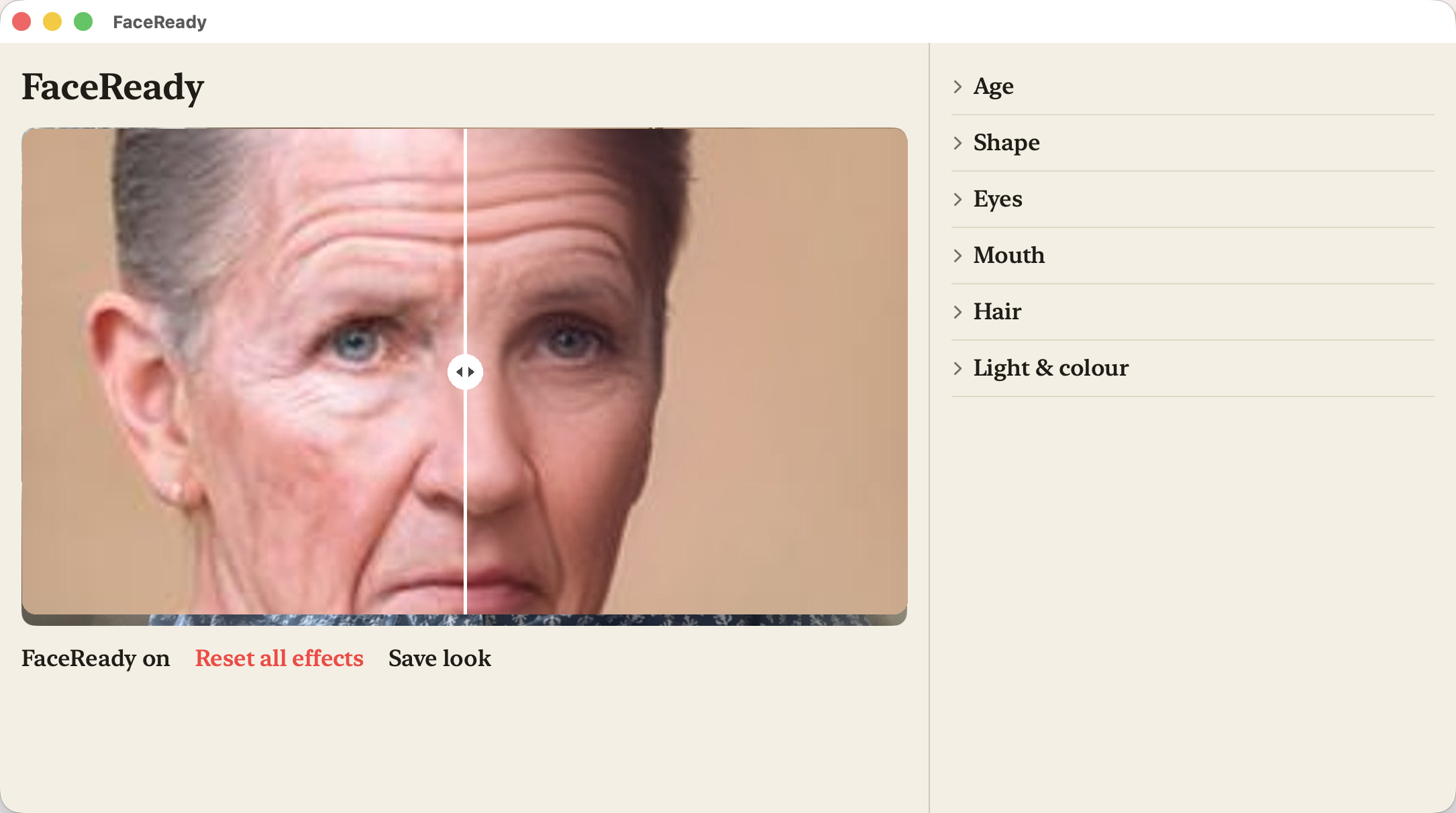
What FaceReady is — and what it isn't
FaceReady is a de-aging app. It evens out your skin tone, softens jowls and the shadows under your eyes — live, in every video app you use. That's the whole job.
It is not a face changer. It doesn't reshape your features, swap your identity, or make you look like someone else. Everyone on the call still sees recognisably you — just a fresher version. We built it that way on purpose. The point is to show up looking your best, not to wear a mask.
Light still matters
Good light gives the effects the best material to work with, and it's the one thing FaceReady can't conjure out of nothing. Two quick habits make a real difference:
- Face your light source. A window or lamp in front of you lights your face evenly — that's exactly what FaceReady wants.
- Don't sit with a bright window directly behind you. Backlight throws your face into shadow and forces the camera to fight it. Turn around so the window's in front.
Soft, even light beats harsh overhead light every time. Get the light right and you'll need far less from the sliders.
Still stuck? Email our contact form and a real person will help.